Insider Trading
SEC Form 4 tracker for insider trades
This SEC Form 4 tracker shows what officers, directors, and 10% owners report buying and selling, with filters for ticker, executive, title, date, and size.
Included with Pro Lite and higher plans. Start with a free GNG account.
You must be logged in to view this page. Log in or create a free account.
Free to join. No credit card. Takes seconds.
Overview
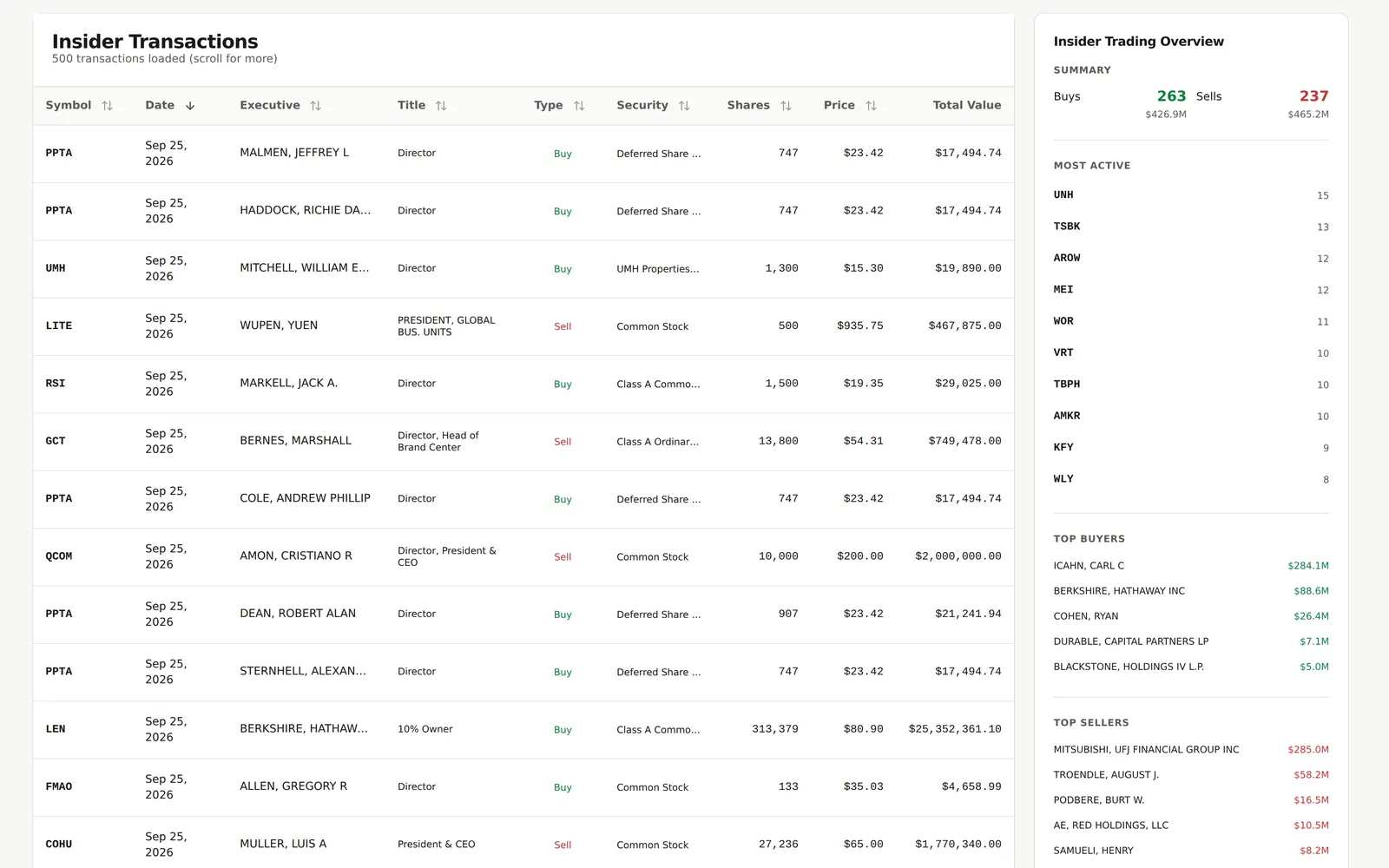
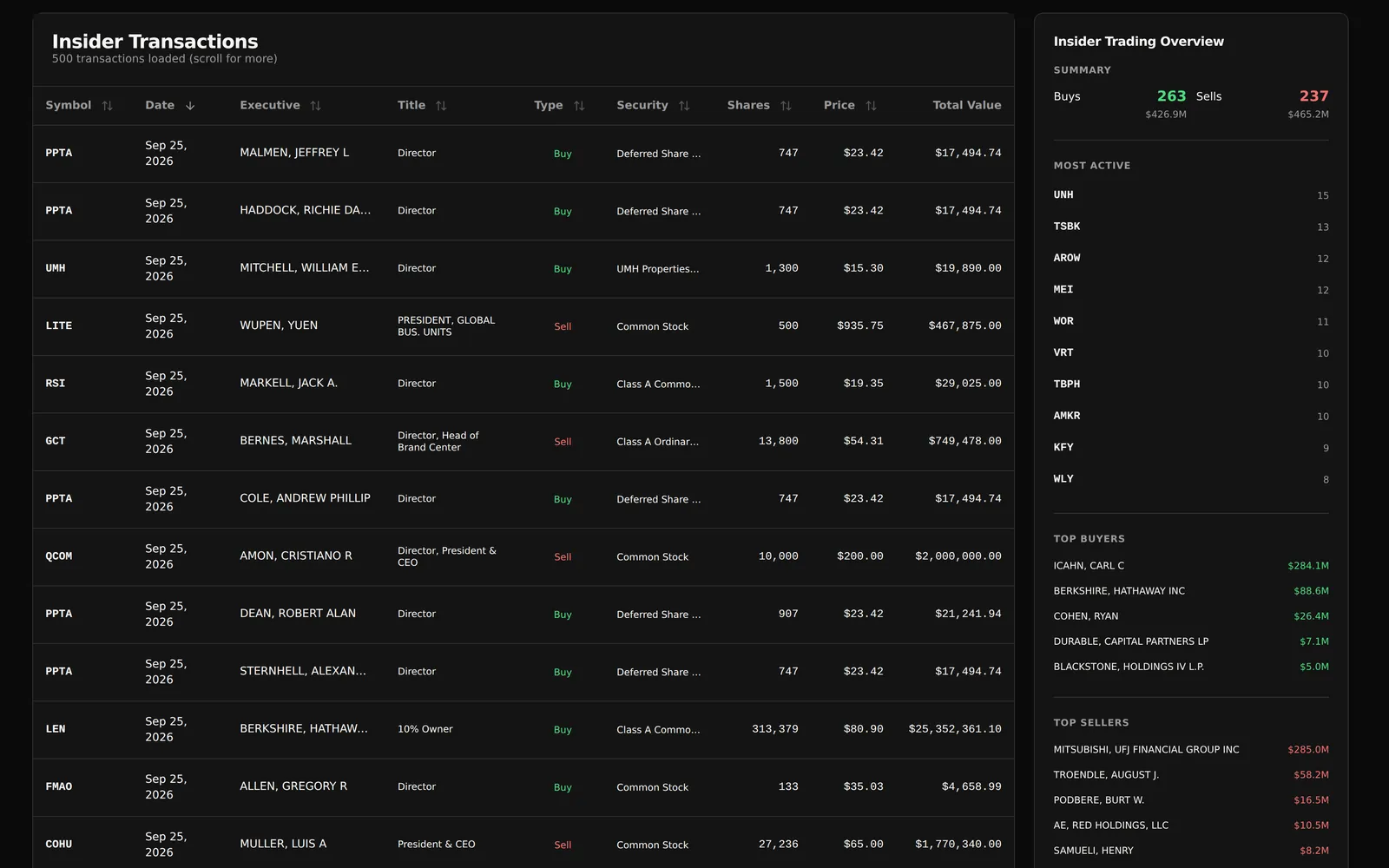
Insider Trading is GNG's insider trading tracker for SEC Form 4 filings. Company officers, directors, and owners of more than 10% of a company's stock file a Form 4 when their holdings change, generally within two business days. Each row shows the ticker, trade date, insider and title, buy or sell, the security, shares, price, and total value. The table opens on the last 90 days across all companies, newest first, so recent insider buying and selling sits at the top.
Read every row in context. The table labels each trade a Buy or a Sell instead of showing its Form 4 transaction code. A Buy is any reported acquisition, which includes stock grants, awards, and option exercises as well as purchases, and a $0.00 price or a security such as restricted stock units usually marks pay rather than a purchase. A Sell is any reported disposal, which is not always a sale at market price. Open market purchases, where an insider pays the market price with their own money, are the trades investors watch most closely.
On desktop, click a symbol in the table to see that company's recent insider trades, buy and sell totals, and the executives involved, which shows when several insiders trade the same stock in a short window. Click the row to open its GNG stock page. Analyze Trades sends a summary of the loaded trades, the first rows on screen, and your filters to GNG Analyst, which explains the patterns and what to check next. Insider Trading is included with Pro Lite and higher plans; create a free GNG account first, then upgrade.
What you get
- Form 4 filings by officers, directors, and 10% owners
- Insider buys, sells, or both, over any date range
- Search tickers and executives, or filter by executive title
- Ranges for share price, share count, and dollar value
- One company's recent insider trades and totals
- Export loaded transactions to CSV, Excel, or PDF
Inside the tool
Company insider activity
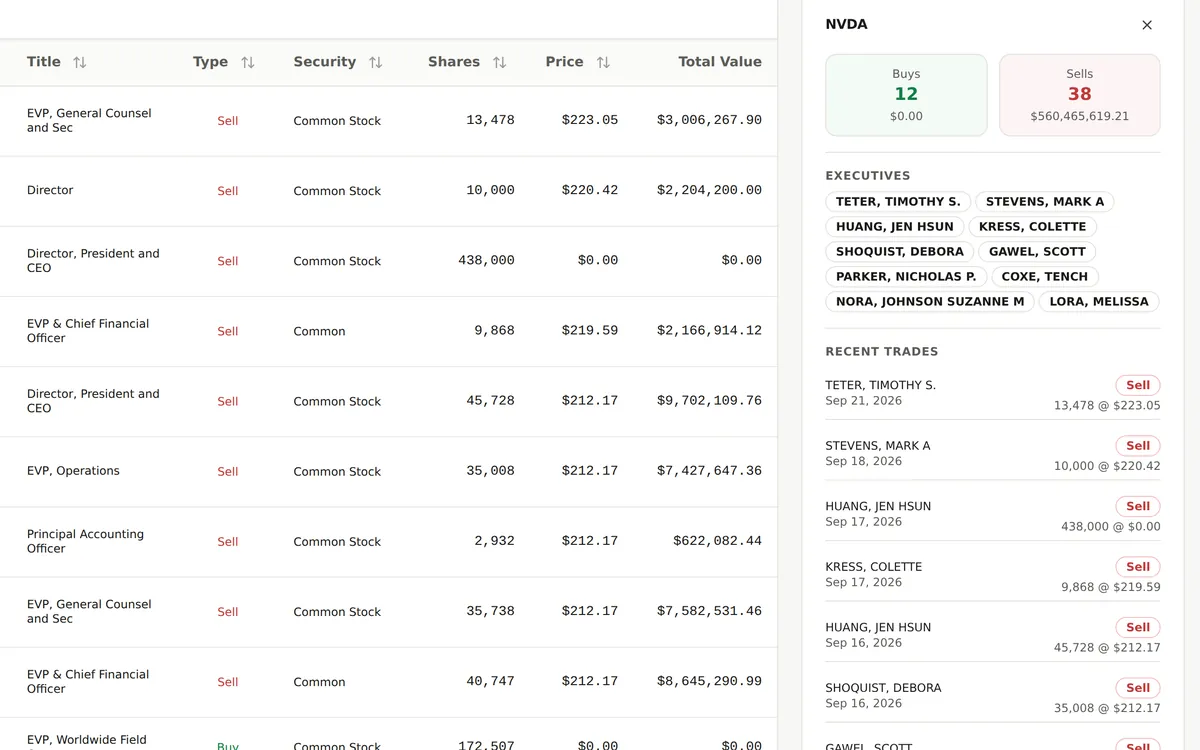
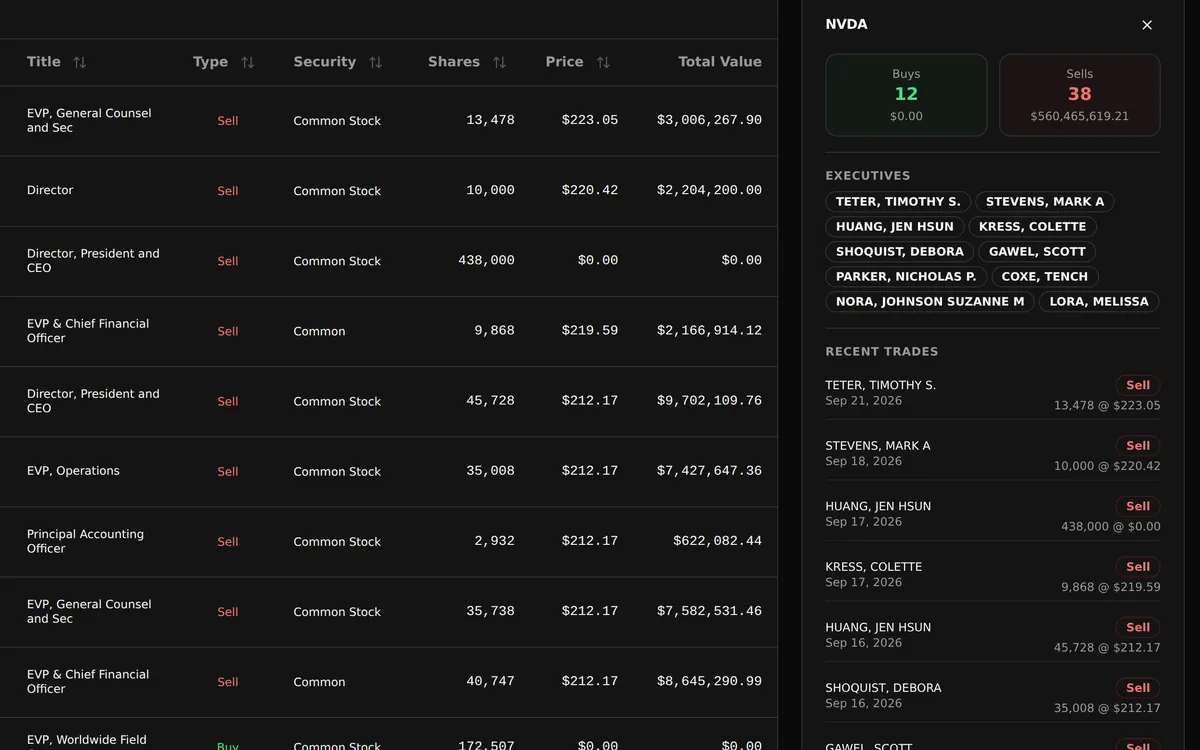
Pick a stock to see its insider buys and sells, the executives who traded, and each recent trade.
On desktop, selecting a ticker symbol opens that company's recent insider buying and selling beside the transactions table. The preview shows the company's buy and sell totals, the executives involved, and a dated list of recent trades with shares and price. Compare those details with the security column in the table before you decide what a trade means.
- Review recent insider trades for one company
- See which executives bought or sold, and when
- Compare reported shares, prices, and transaction values
Value range filters
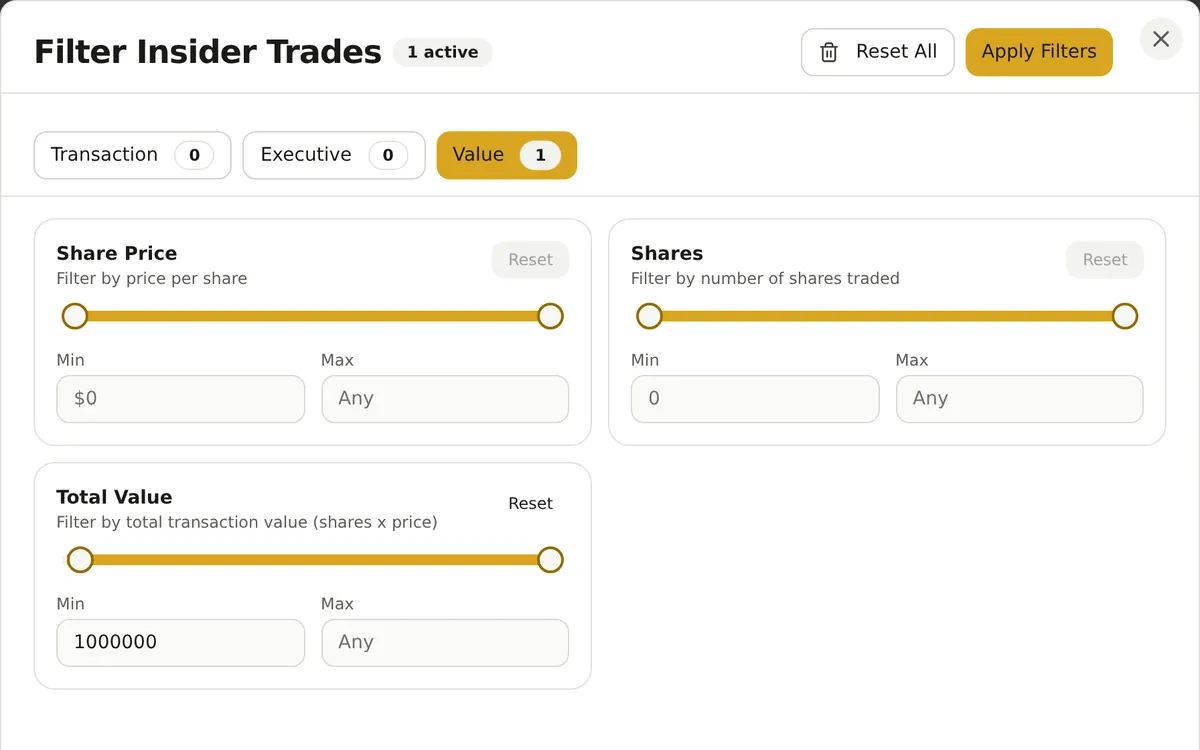
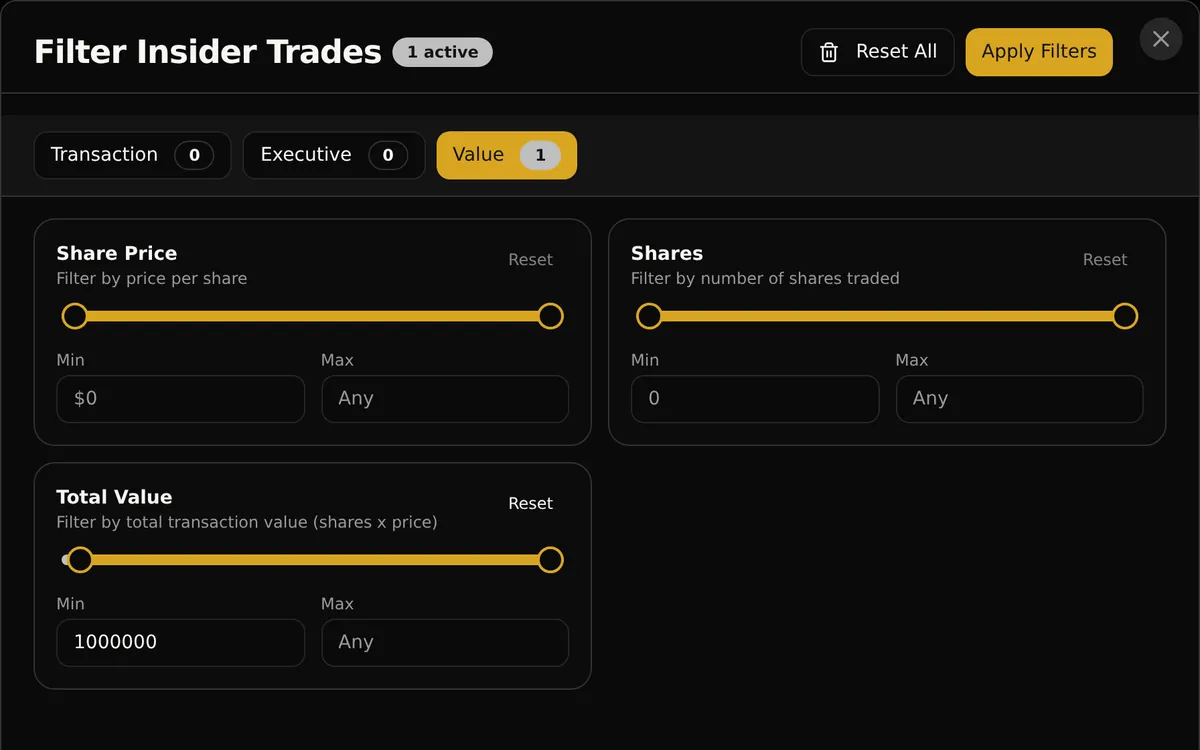
Narrow trades by share price, share count, or total dollar value, as well as date, buy or sell, and executive title.
The Value tab sets minimum and maximum ranges for share price, share count, and total transaction value. Combine them with the Transaction tab (date range, buys or sells) and the Executive tab (titles such as Director or Chief Financial Officer, and symbols) to find, for example, larger insider buys by a company's officers. The preview shows a minimum dollar-value condition.
- Set a minimum or maximum transaction size
- Combine value, date, type, and title conditions
- Reset individual ranges or the full filter set
Capabilities
Search and sort
Search insider transactions by ticker or executive name and sort rows by fields such as date, shares, or price. The table includes the security description as well as the person's title, giving each reported acquisition or disposal more context. Click a row to open that company's GNG stock page.
Market activity overview
On desktop, review buy and sell totals, the most active symbols, and the top insider buyers and sellers in the loaded transactions before you pick a company. These summaries describe the rows currently loaded in the view, rather than a complete market-wide history.
Export loaded trades
Download the insider transactions loaded into the page as CSV, Excel, or PDF. Load additional rows before exporting when you need more history, and check the output against your research question. Export availability follows your account allowances.
Analyze with AI
Use Analyze Trades to bring a summary of the loaded transactions, the first rows on screen, and your filters into GNG Analyst. Ask about the reported activity, then follow up with company fundamentals or valuation research. The AI conversation uses GNG credits.
Mobile trade review
On a phone, trades appear as a compact list of cards instead of the wide desktop table, with search at the top and filters and export in the Options menu. Tap a trade to open that company's GNG stock page and continue your research.
How it works
Open the Form 4 tracker
Create a free GNG account and choose Pro Lite or higher. Open Insider Trading to see the last 90 days of reported trades, newest first.
Narrow the activity
Choose a date range and buys, sells, or both, search an executive or ticker, and add title or size filters, for example larger insider buys by officers.
Read the context
Click a symbol for that company's recent trades, check the price and security on each Buy, then open the stock page, export the loaded rows, or use Analyze Trades in GNG Analyst.
Common questions
- What is an SEC Form 4, and who files it?
- Form 4 is the SEC filing that company officers, directors, and owners of more than 10% of a company's stock submit when their holdings change. It is generally due within two business days of the trade, which makes it a timely public record of insider buying and selling.
- Is insider buying a buy signal?
- Not on its own. An open market purchase, where an insider pays the market price with their own money, is often read as confidence, especially when several insiders buy around the same time. Insiders can still be wrong, so pair the trade with fundamentals and valuation.
- What do Form 4 transaction codes mean?
- P is an open market or private purchase and S is a sale. A is a grant or award, M an option exercise, F shares withheld for taxes, and G a gift. The table shows each trade as a Buy or a Sell, so a $0.00 Buy is usually a grant or vesting award, not a P purchase.
- Is a Form 4 trade illegal insider trading?
- Not by itself. Insiders can legally buy and sell their company's stock, and Form 4 is how they report those trades. Trading is illegal when it is based on important information the public does not have, or when an insider tips someone who trades. A filing is not an accusation.
- How do I track insider trading for one stock?
- Search the ticker or add it as a symbol filter, then choose buys, sells, or both and a date range. On desktop, click the symbol to see that company's recent insider trades, totals, and executives. Click any row to open its GNG stock page.
- Which plan includes Insider Trading?
- Pro Lite and higher plans include Insider Trading. Create a free GNG account first, then upgrade when you are ready.
Create a free GNG account, then upgrade to Pro Lite for the insider screener.
Free to join. No credit card. Takes seconds.
Insider activity is information, not a recommendation to buy or sell any security.